
A Practical Digest of Tools, Models, and Use Cases
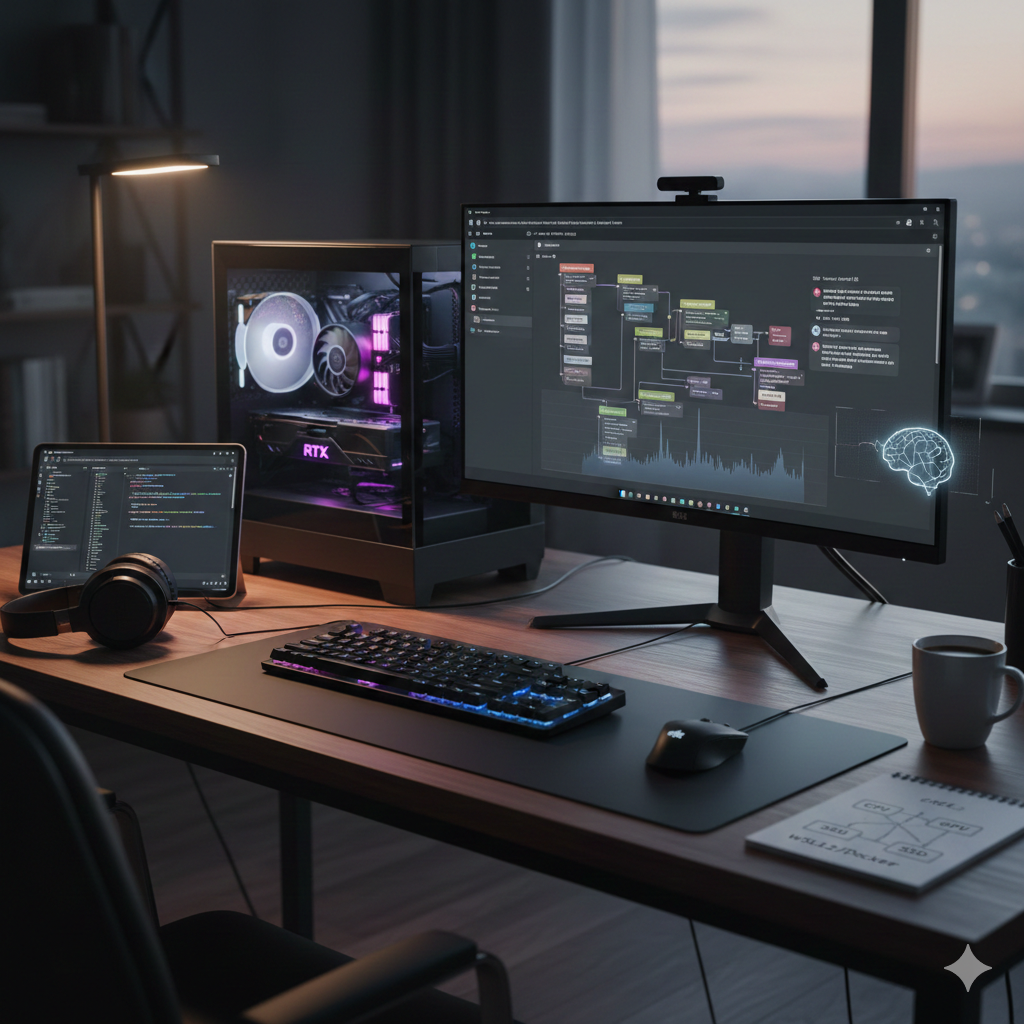
With recent improvements in consumer GPUs, tooling, and open-weight models, running large language models locally has become not only feasible but genuinely useful. I set up my PC as a local AI workstation and tested several real-world LLM-related use cases, focusing on productivity, automation, multimodal generation, and developer workflows.
This post is a high-level digest of what I tried: the applications, models, use cases, and required software. Each topic will be expanded into a separate, detailed post covering installation, configuration, and concrete generation examples.
Before diving into individual applications, here is the PC specs and foundational software stack used across all experiments.
| Part Type | Product Name | Manufacturer | Main Specifications |
|---|---|---|---|
| CPU | Core Ultra 7 265K | Intel | Arrow Lake-S architecture, unlocked processor, high-performance desktop CPU |
| CPU Cooler | Peerless Assassin 120 Black | Thermalright | Dual-tower air cooler, 120 mm fan, 6 Heat Tubes |
| Motherboard | PRO Z890-S WIFI | MSI | Intel Z890 chipset, LGA1851 socket, Wi-Fi, Intel 200S Boost support |
| Memory | CP2K32G60C40U5W | Corsair | 64 GB (32 GB ×2) DDR5, 6000 MT/s, CL40, support Intel XMP 3.0 and AMD EXPO |
| Storage | CT2000T500SSD8JP | Crucial | 2 TB NVMe SSD, PCIe Gen4, high-speed M.2 storage |
| Graphics Card | GeForce RTX 5060 Ti 16G VENTUS 2X OC PLUS |
MSI | NVIDIA GeForce RTX 5060 Ti, 16 GB GDDR7, factory overclocked, dual-fan design |
| PC Case | North Charcoal Black TG Dark | Fractal Design | Mid-tower case, tempered glass side panel, airflow-focused design |
| Power Supply | AG-650M-JP *1 | Apexgaming | 650 W, 80 PLUS Gold certified, fully-modular PSU |
uv Python
environment manager (used for ComfyUI and related tools).Primary Role: Local inference engine and model manager for LLMs and multimodal models.
LM Studio provides API endpoints to multiple downstream applications, enabling easy and stable integration of LLMs into workflows. It also supports MCP (Model Context Protocol)-based web search integration, allowing for advanced inference using online information even in a local environment. Since users can approve each internet search request individually, this maintains the advantage of local LLMs in controlling data leakage.
Primary Role: High-quality local text-to-speech generation.
This setup allowed fully local TTS without reliance on cloud APIs, with acceptable latency and consistent audio quality.
Primary Role: Workflow automation and orchestration.
I found that the publicly available Docker Compose YAML for n8n can be deployed smoothly and reliably in a WSL environment with little to no modification. I also verified that—using the same node configuration—workflows can be tested by substituting external APIs with a local LLM endpoint, which proved especially useful for prototyping purposes.
Primary Role: Local-AI-powered code editor.
This setup demonstrated that a fully local AI coding environment is achievable for many everyday development tasks. At the same time, it became clear that 16GB of VRAM is insufficient for utilizing advanced LLM models, and that even simple coding tasks require more VRAM due to the importance of context length. Considering GPU performance and pricing as of December 2025, relying on external services for AI coding is likely the most practical approach in most cases.
There are three ways to install ComfyUI in your local environment: 'Desktop Application', 'Windows Portable Package', or 'Manual Installation'. Prioritising flexibility this time, I opted for 'Manual Installation' and tested several workflows. For a more casual approach, I recommend the 'Windows Portable Package', which can be launched immediately after downloading.
uv Python environment.ComfyUI's flexibility makes it ideal for experimentation, but careful management is required for environment control and dependency management (such as Python versions and CUDA). Additionally, GPU memory limitations become particularly noticeable during video generation.